Ransomware Protection for Small Businesses: Prevention and Recovery
By ATTPL IT · · 3 min read

Ransomware is malicious software that encrypts a company’s files and demands payment to unlock them. Small businesses are frequent targets because they often lack dedicated security staff and reliable backups. The good news is that a handful of basic controls stop most attacks, and a tested recovery plan limits the damage if one gets through.
1. How ransomware gets in
- Phishing emails with malicious attachments or links
- Remote desktop or other services exposed to the internet with weak passwords
- Unpatched software, routers, VPNs and firewalls
- Pirated software and infected USB drives
- Stolen passwords reused across several accounts
2. Prevention: the essential controls
- Patch regularly: keep Windows, browsers, office software and network devices updated
- Use multi-factor authentication for email, remote access and admin accounts
- Do not expose remote desktop directly to the internet; use a VPN with MFA
- Limit admin rights: staff should use standard accounts for daily work
- Install reputable endpoint protection on every computer and keep it updated
- Filter email and block risky attachment types
- Train employees to spot phishing and report suspicious messages quickly
- Use licensed software only
Our guides on phishing awareness, password policy and MFA and firewall and network security go deeper on each control.
3. Backups that survive an attack
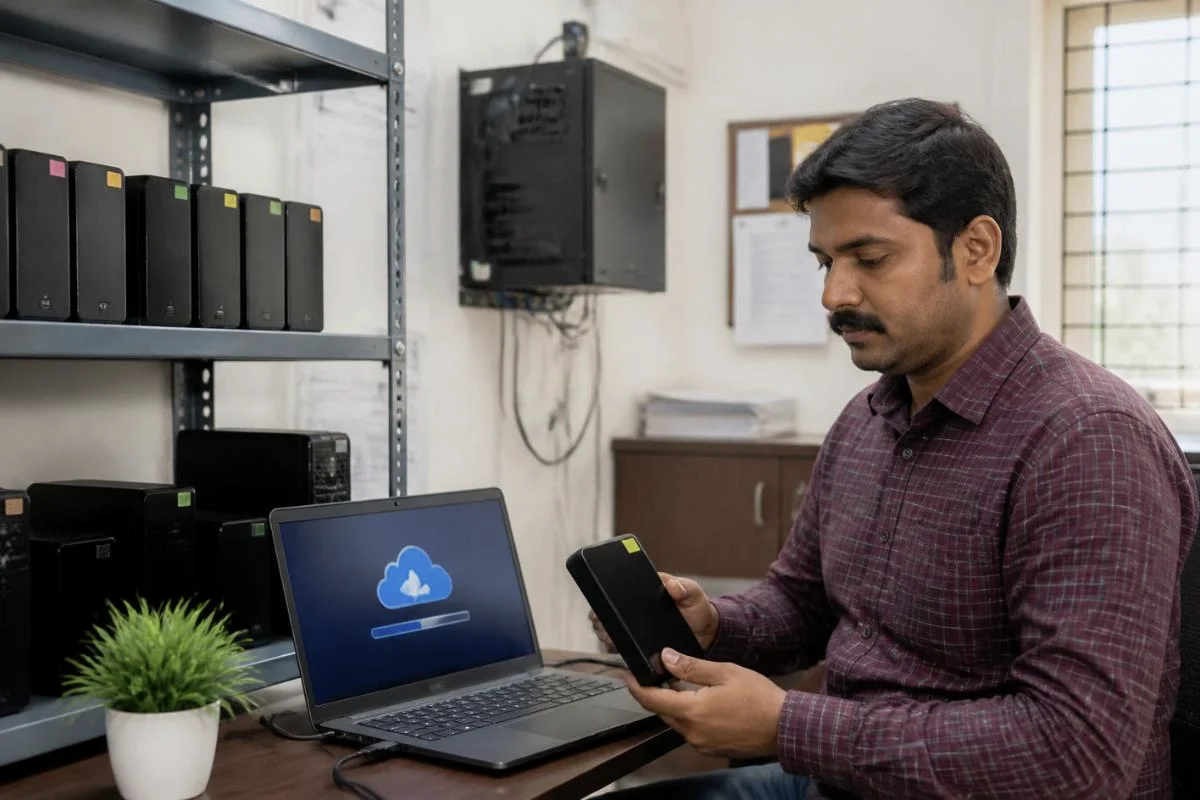
Ransomware often tries to encrypt or delete backups too. Keep at least one copy that the attacker cannot reach:
- Follow the 3-2-1 rule: three copies, on two types of media, one offsite
- Keep an offline or immutable copy, such as a disconnected drive or cloud storage with version locking
- Use separate credentials for backup systems
- Test restores regularly, so you know how long recovery takes
See the data backup and disaster recovery guide and our NAS guide for small offices for practical setups.
4. If you are attacked
- Disconnect affected computers from the network and Wi-Fi immediately, but do not switch them off until your IT support advises
- Disable compromised accounts and change passwords from a clean device
- Identify which systems and backups are affected
- Report the incident to CERT-In; organisations in India are required to report certain cyber incidents to CERT-In within six hours of noticing them
- File a complaint on the National Cyber Crime Reporting Portal or call the cybercrime helpline 1930
- Restore from clean backups after the infection has been removed
- If personal data is affected, check your duties under the DPDP Act
Paying the ransom does not guarantee that data will be returned and encourages further attacks. Get professional advice before making any decision.
5. Make security a routine
Write a short incident response plan, keep emergency contacts handy and review controls every quarter. For businesses without in-house IT, an IT support AMC from ATTPL IT Solutions can handle patching, backups and monitoring. Ransomware recovery should also be part of your business continuity plan.
Frequently asked questions
Does antivirus alone stop ransomware?
No. Endpoint protection helps, but patching, MFA, user awareness and offline backups are all needed.
Are cloud files safe from ransomware?
Synced cloud folders can be encrypted too. Use version history or retention settings so earlier versions can be restored.
How often should backups be tested?
Test a restore at least every few months and after major system changes.
Need help protecting your business systems? Contact ATTPL HOLDCO.
Sources
This article is general information, not professional advice. In a live incident, contact a qualified security professional.