Office Wi-Fi and Network Setup: A Practical Guide for Small Businesses
By ATTPL IT · · 2 min read
Slow or patchy Wi-Fi wastes hours every week in a typical office, and an open network is an easy door for attackers. A small, well-planned network costs little more than a messy one and works far better.
1. Plan coverage and capacity
- Map rooms, walls and floors; concrete and glass reduce signal
- Count devices: laptops, phones, printers, CCTV and IoT devices
- Place access points on ceilings near users rather than one router in a corner
- Run wired connections for desktops, printers and meeting room screens where possible
2. Choose business-grade equipment
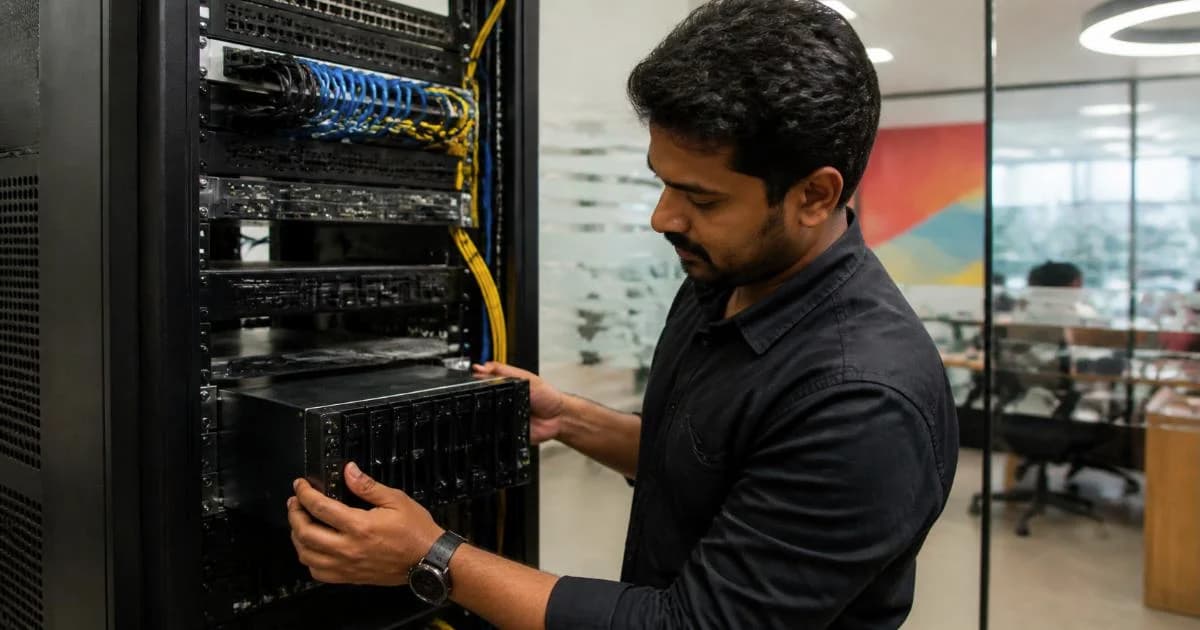
Use a business router or firewall, a managed switch and ceiling-mounted access points that can be controlled centrally. Consumer routers are fine for homes but struggle with dozens of users. A UPS for the network rack keeps connectivity alive during short power cuts.
3. Separate networks
Create separate Wi-Fi networks (SSIDs or VLANs) for staff, guests and devices such as CCTV and printers. Guests should only reach the internet, not your files. Our firewall and network security guide explains segmentation in more detail, and the CCTV guide covers camera networks.
4. Security basics
- WPA2 or WPA3 encryption with strong passphrases, changed when staff leave
- Firmware updates for router, switches and access points
- Admin access only from the office network, with MFA where supported
- A list of all network devices kept with your IT asset register
5. Monitoring and support
Most business systems show connected devices, usage and outages in a dashboard. Decide who monitors it and who to call. ATTPL IT Solutions designs, installs and supports office networks under an AMC, and new office projects can coordinate cabling early with fit-out planning. For a discussion about your requirement, contact ATTPL HOLDCO or call toll-free 1800-890-0815.
Frequently asked questions
How many access points does a small office need?
It depends on area, walls and users; a site survey is best, but one ceiling access point per large room or open area is a common start.
Should guests use the same Wi-Fi as staff?
No. Give guests a separate network with internet access only.
Is a single ISP enough?
For critical operations, consider a second internet connection with automatic failover.
Sources
This article is general information, not professional advice. Rules, rates and schemes change; please check the official sources and consult a qualified professional.