Password Policy and Multi-Factor Authentication: A Simple Guide for Small Businesses
By ATTPL IT · · 2 min read
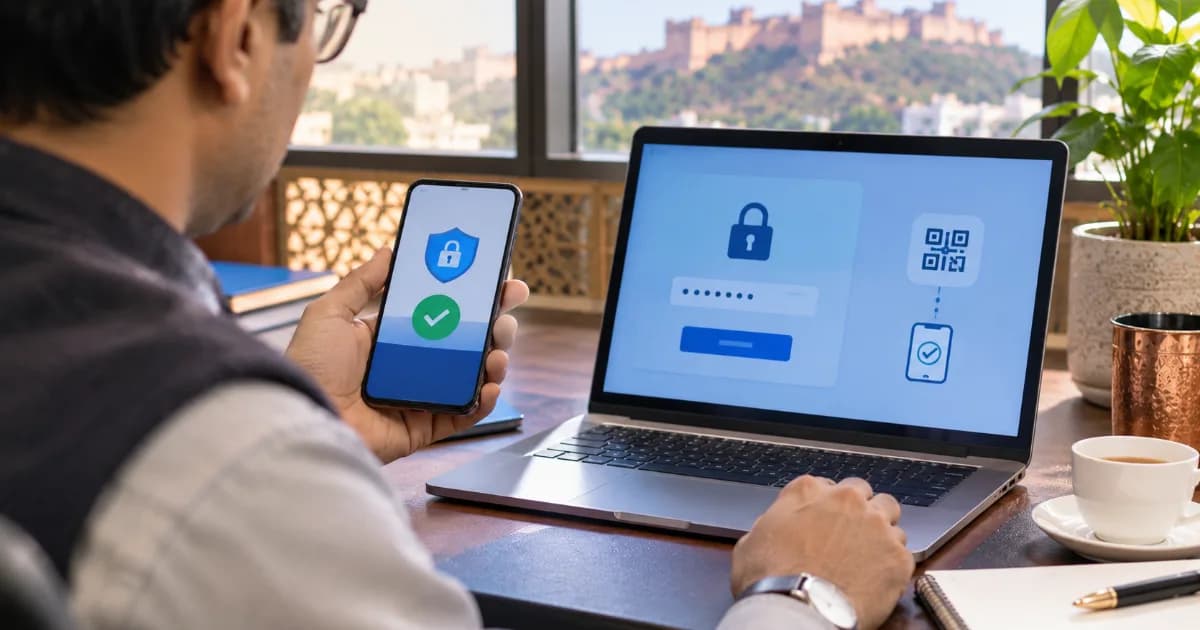
Stolen or reused passwords are behind a large share of account takeovers. For a small business, one compromised email or accounting login can mean fraud, data loss and embarrassment with customers. A clear password policy and multi-factor authentication (MFA) close most of this risk at very low cost.
1. Use long passphrases, not complex puzzles
Current good practice favours long, unique passphrases — for example, four or five unrelated words — over short passwords with forced symbols. Length matters more than complexity, and forcing frequent changes often leads to weaker patterns. Change a password immediately if there is any sign it is compromised.
2. Never reuse passwords
Every important account — email, banking, GST portal, accounting, cloud storage — needs a different password. A reputable password manager makes this practical and helps teams share access securely without sending passwords on chat.
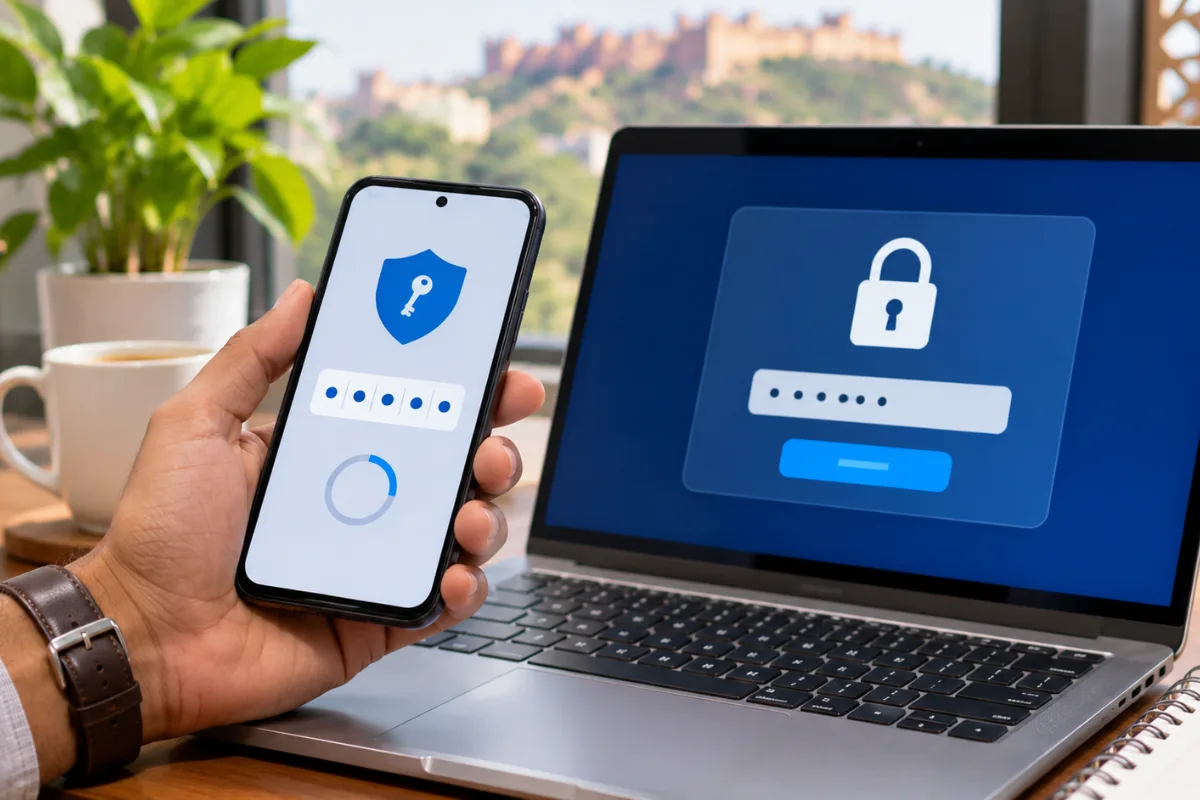
3. Turn on multi-factor authentication
- Enable MFA on email, cloud, banking, social media and admin accounts first.
- Prefer authenticator apps or security keys over SMS where possible.
- Never share one-time codes with anyone, even if they claim to be from IT or the bank.
4. Manage access properly
- Give each person their own login; avoid shared accounts.
- Remove access the same day an employee leaves.
- Review admin rights every quarter.
Asset and access records are easier with a simple register; see our IT asset management guide, and pair this with phishing awareness training.
5. Put it in writing
A one-page policy that staff sign is enough for most small businesses. ATTPL IT can help set up MFA, password managers and access reviews. Employee onboarding and exit steps can be tracked in ATTPL HRMS, and group support is available via ATTPL HOLDCO.
Frequently asked questions
How long should a password be?
Aim for long passphrases of 14 characters or more for important accounts, and never reuse them.
Is SMS OTP good enough for MFA?
It is better than nothing, but authenticator apps or security keys are stronger.
Should employees change passwords every month?
Not necessarily. Change passwords when there is a sign of compromise, and focus on length, uniqueness and MFA.
This article is general information. Security needs differ by business; get a professional assessment for your environment.