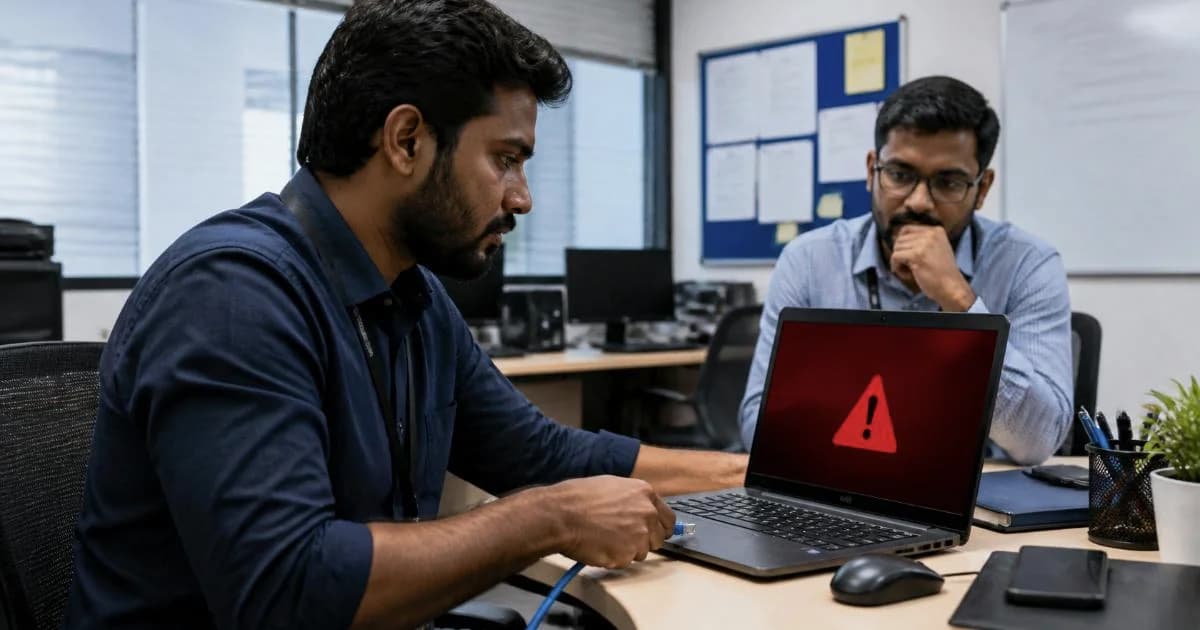
IT Support AMC for Small Offices: What to Include
By ATTPL IT · · 4 min read
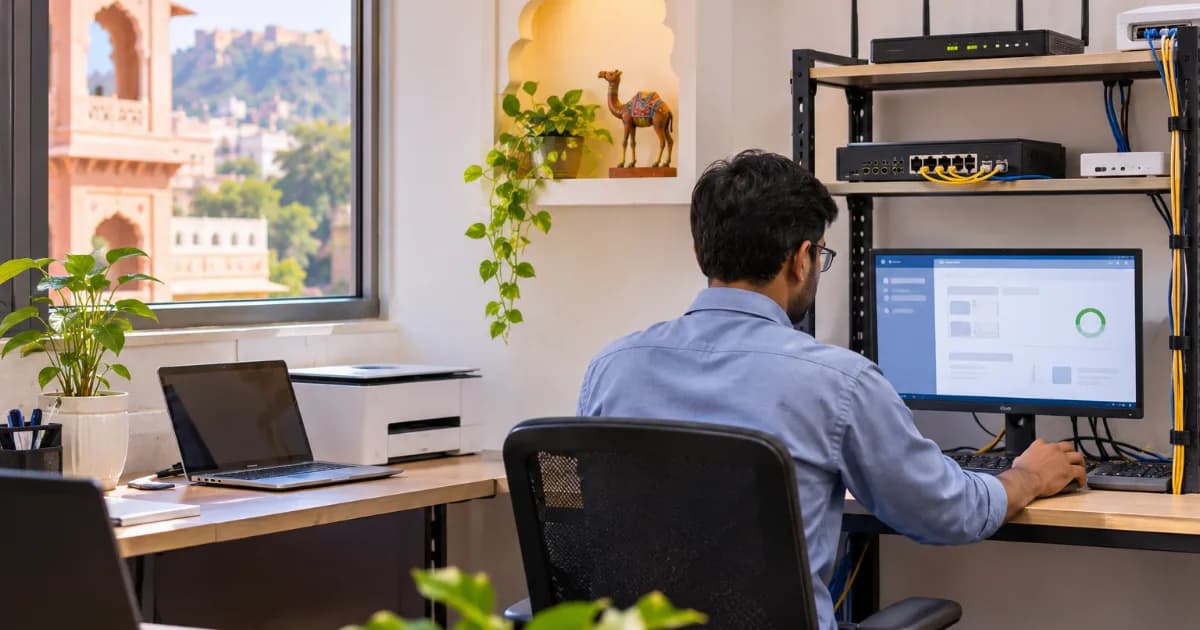
In a small office, one failed laptop, a printer that will not connect or a virus on the accounts computer can stop work for hours. An IT support AMC, or annual maintenance contract, gives you a planned way to keep systems running instead of searching for a technician every time something breaks. But AMCs vary widely in what they actually cover. This guide explains what a sensible IT support AMC for a small office should include and how to compare vendors.
What an IT Support AMC Covers
An IT AMC is a yearly agreement in which a vendor maintains your computers, network and related equipment for a fixed fee or a defined scope. A typical small office AMC may include:
- Desktops, laptops, printers and scanners
- Wi-Fi, routers, switches and internet connectivity issues
- Operating system updates and antivirus management
- Email setup and basic software support
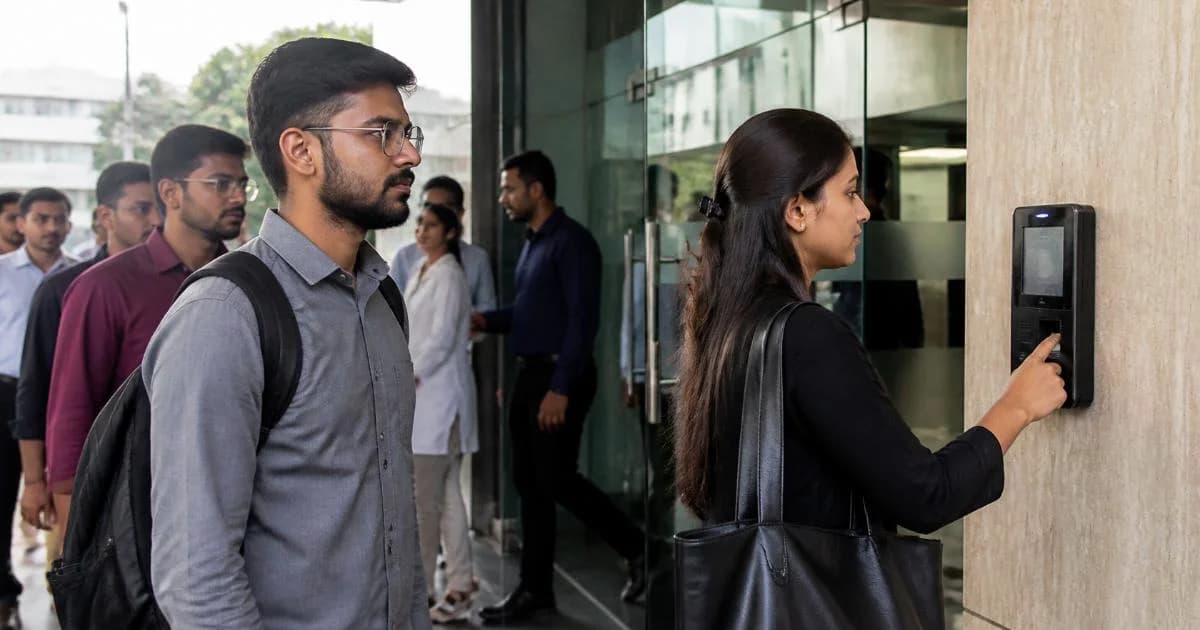
- CCTV and biometric attendance devices, if agreed
List every device with its model, age and user. This asset list becomes the base of the contract and helps you avoid disputes later.
Comprehensive vs Non-Comprehensive AMC
In a non-comprehensive AMC, the vendor provides labour, visits and troubleshooting, but you pay separately for replacement parts. A comprehensive AMC usually includes certain parts as well, at a higher fee. Read the exclusions carefully, as batteries, screens, physical damage and consumables are often left out.
Older equipment may be cheaper to replace than to cover. Ask the vendor for an honest view on which machines are near the end of their useful life.
Response Times, Visits and Remote Support
The most important part of any IT support AMC is how quickly problems get fixed. Make sure the contract states:
- Response time for critical issues, such as the server or internet being down
- Working hours and whether Saturdays are covered
- Number of preventive maintenance visits per year
- Remote support tools and how access is controlled
- Escalation contacts if the assigned engineer is unavailable
Ask for a simple ticket log, even on email or WhatsApp, so you can see how many issues were raised and how long each took.
Security, Backups and Cloud in Your AMC
Many small offices suffer more from data loss than from hardware failure. Your AMC should cover antivirus updates, patching, user accounts and regular backups with test restores. Our cybersecurity checklist for small businesses in India lists the basic controls worth including.
Moving files and key applications to the cloud can reduce dependence on a single office computer. A cloud application built for your workflow lets staff work securely from the office, site or home.
Preventive Maintenance in an IT Support AMC
Good AMC vendors do not wait for breakdowns. Preventive visits should follow a written checklist so you know what was actually done:
- Cleaning dust from CPUs, fans and printers, which matters in dusty Rajasthan summers
- Checking UPS batteries and power backup for critical systems
- Reviewing disk health, free space and pending updates
- Verifying that backups ran and can be restored
- Removing accounts of staff who have left the organisation
Ask for a short report after each visit listing issues found, actions taken and recommendations. Over a year, these reports show which machines cause repeated problems and help you plan replacements in your budget rather than in an emergency.
Checking an IT AMC Vendor
Treat the AMC vendor like any other supplier who will have access to your systems and data. Check their experience with offices of your size, engineer availability in your area and how they protect your passwords and data. This vendor due diligence checklist for SMEs offers a structured way to assess them.
Have the contract terms reviewed for scope, liability, confidentiality and termination. MSME legal services can help small businesses review service agreements before signing.
Planning IT for a New or Expanding Office
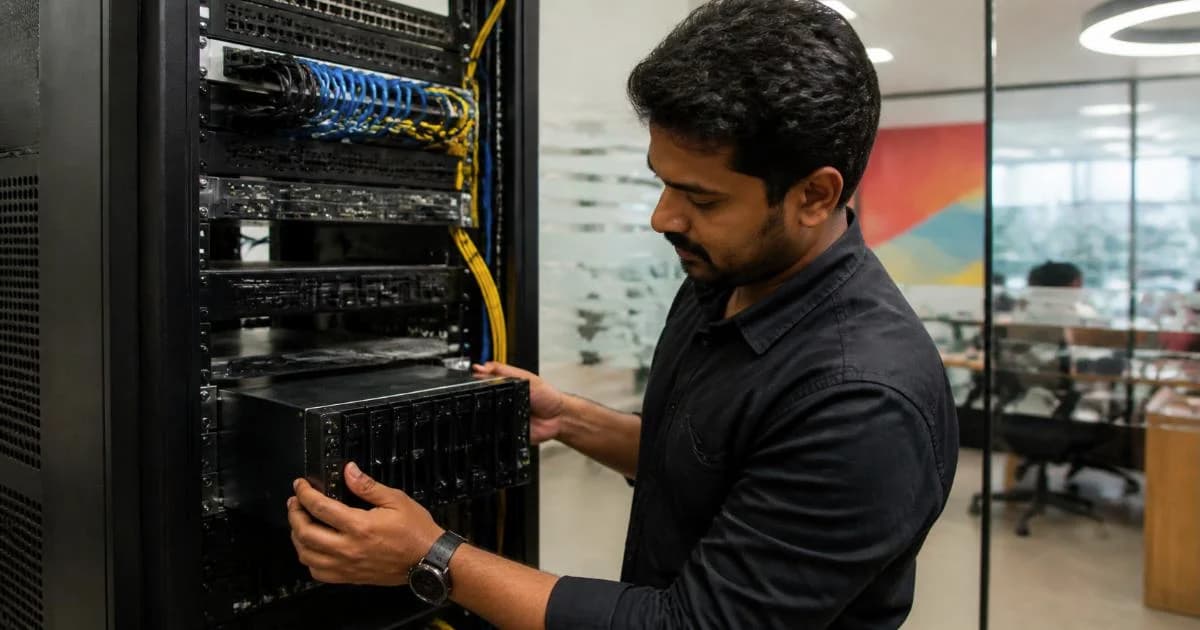
If you are moving or setting up a new office, plan cabling, Wi-Fi coverage, power backup and the server or network rack along with the interiors, not after. This office interior fit-out planning guide for Jaipur explains how to coordinate these elements early.
Whether you need regular IT support, cloud tools or custom business software, contact ATTPL IT to discuss a plan that fits your office.
Key takeaway: A useful IT support AMC clearly lists covered assets, response times, security tasks and exclusions, so small offices know exactly what support they are paying for.
Frequently Asked Questions
Is an IT AMC worth it for an office with only a few computers?
Often yes, because even small offices depend on internet, email and accounting systems. Compare the AMC fee with the cost of downtime and ad hoc technician visits, and with the time your own staff lose trying to fix problems themselves.
Does an AMC include software licences?
Usually not. Licences for operating systems, office software and antivirus are typically purchased separately, although the vendor may install and manage them.
What should I do when the AMC is about to expire?
Review the ticket history, response times and recurring problems. Update the asset list and renegotiate scope before renewing. Also confirm that the vendor hands over all passwords, configuration notes and backup details if you decide to change to a new provider.