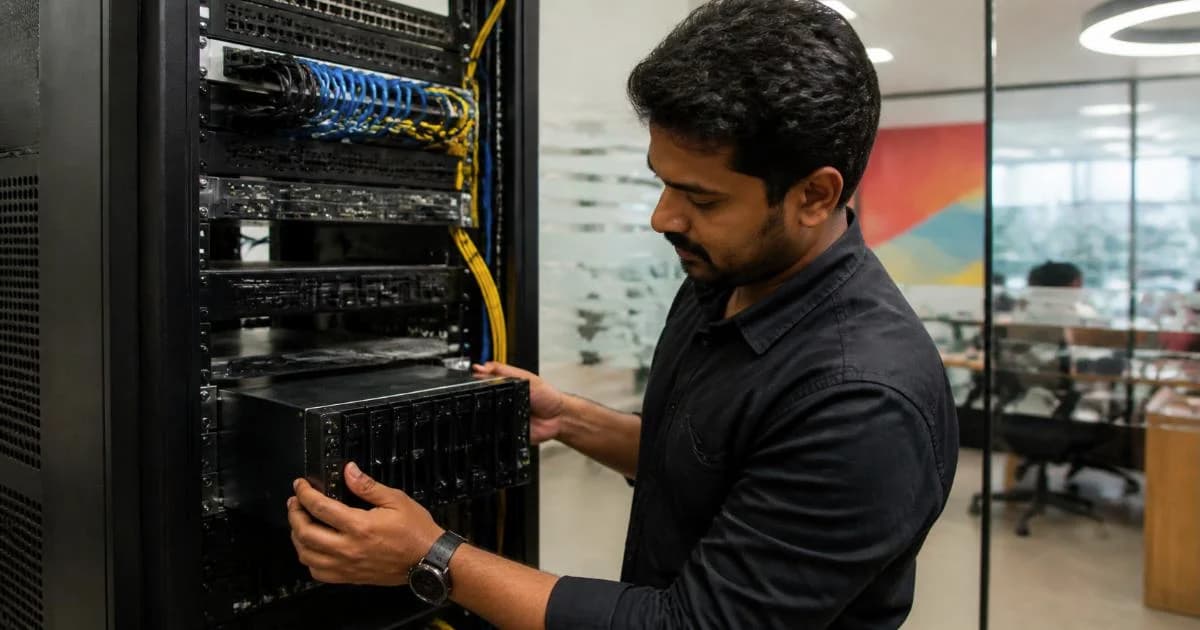
Biometric Attendance System for Offices: How to Choose and Set It Up
By ATTPL IT · · 3 min read
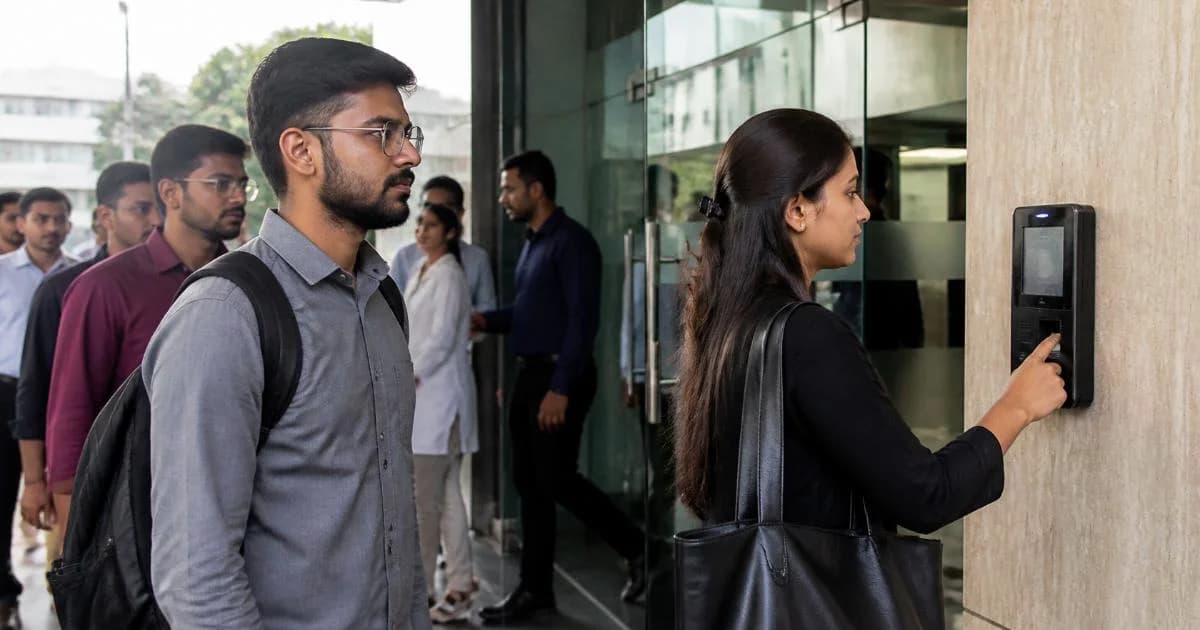
Paper registers and manual attendance sheets lead to errors, proxy marking and long payroll calculations at month end. A biometric or face-recognition attendance system records time accurately and feeds data straight into payroll. This guide explains the options, how to choose a system and what to consider for employee privacy.
1. Types of attendance devices
- Fingerprint terminals: widely used and affordable; may struggle with worn or wet fingers in some workplaces
- Face recognition terminals: contactless and quick; work well at entrances with good lighting
- RFID card readers: simple, but cards can be shared, so they are often combined with a biometric check
- Mobile app attendance: uses GPS or geofencing for field staff and multiple sites
2. Features to look for
- Enough user and log capacity for your headcount, with room to grow
- Network connectivity over LAN or Wi-Fi, with offline storage if the network is down
- Cloud or server software that collects data from all devices and locations
- Shift, overtime, late-mark and leave rules that match your policy
- Export or direct integration with payroll and HR software
- Access control option, so the same device can open the door for authorised staff
- Battery or UPS backup, and a tamper alarm

3. Installation tips
- Mount the terminal at a comfortable height near the entrance, away from direct sunlight and rain
- Provide stable power and a wired network point where possible
- Enrol each employee carefully, with more than one finger for fingerprint devices
- Synchronise device time with the server so shift calculations are correct
- Train HR staff to correct missed punches with an approval trail
4. Privacy and data protection
Fingerprints and face templates are personal data of a sensitive kind. Under India’s Digital Personal Data Protection Act, 2023, an employer should process such data only for a clear purpose, give employees notice of how it is used, protect it with reasonable security safeguards and delete it when it is no longer needed. Practical steps include:
- Write an attendance and biometric data policy and share it with staff
- Store templates in encrypted form and restrict who can access the admin software
- Remove enrolment data when an employee leaves
- Choose vendors who explain where the data is stored and how it is secured
Our DPDP Act compliance guide explains these duties in more detail, and the password and MFA policy guide helps protect admin accounts.
5. Connect attendance to HR and payroll
The real benefit comes when attendance flows automatically into leave and salary calculations. ATTPL HRMS brings attendance, leave and payroll together, and good attendance data also supports the statutory records described in our labour law registers checklist. For door access and cameras at the same entrance, see the CCTV surveillance guide.
Frequently asked questions
Is face recognition better than fingerprint?
Face recognition is contactless and faster for large groups, while fingerprint devices are usually cheaper. The right choice depends on your environment, headcount and budget.
Can attendance be marked by staff working at client sites?
Yes. Mobile attendance with geofencing or photo capture can be used for field staff, with the data flowing into the same system.
What happens if the network fails?
Most terminals store punches locally and upload them when the connection returns. Confirm this with the vendor before buying.
Need help setting up attendance and HR systems? Contact ATTPL HOLDCO.
Sources
This article is general information, not legal advice. Please check the current rules and consult a qualified professional for your situation.