NAS for Small Offices: Central File Storage, Sharing and Backup
By ATTPL IT · · 3 min read
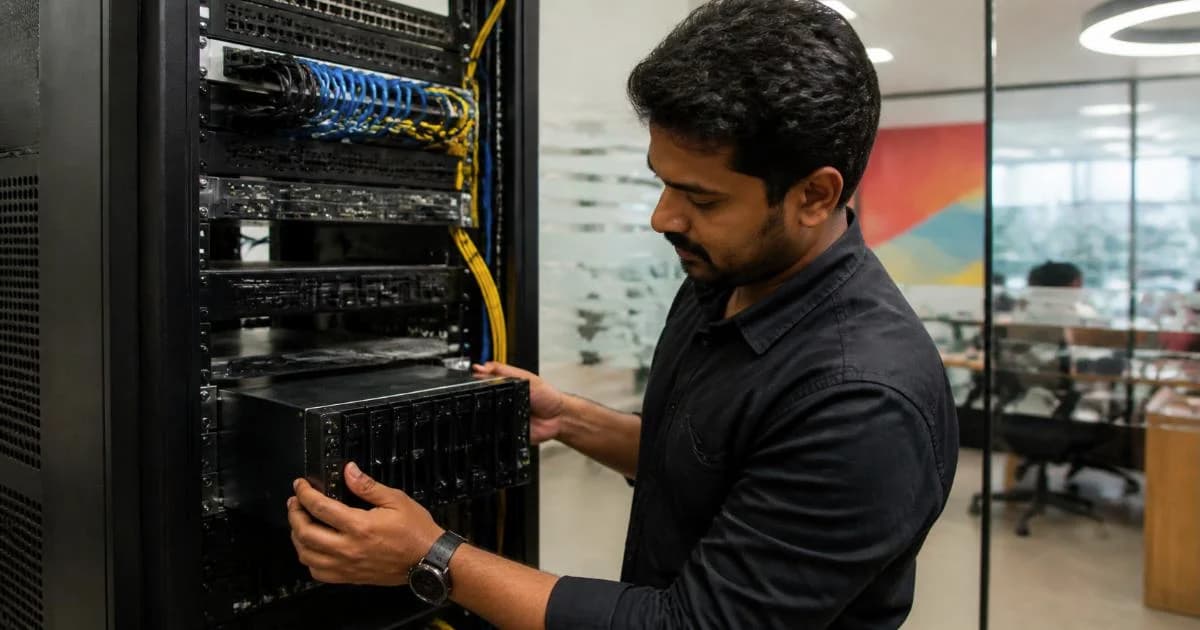
When files live on individual laptops, pen drives and email attachments, a small office soon loses track of the latest version, and one failed laptop can wipe out months of work. A Network Attached Storage device, or NAS, gives the team one central place to store, share and back up files without the cost of a full server. This guide explains what a NAS does and how to choose and set one up.
1. What a NAS is
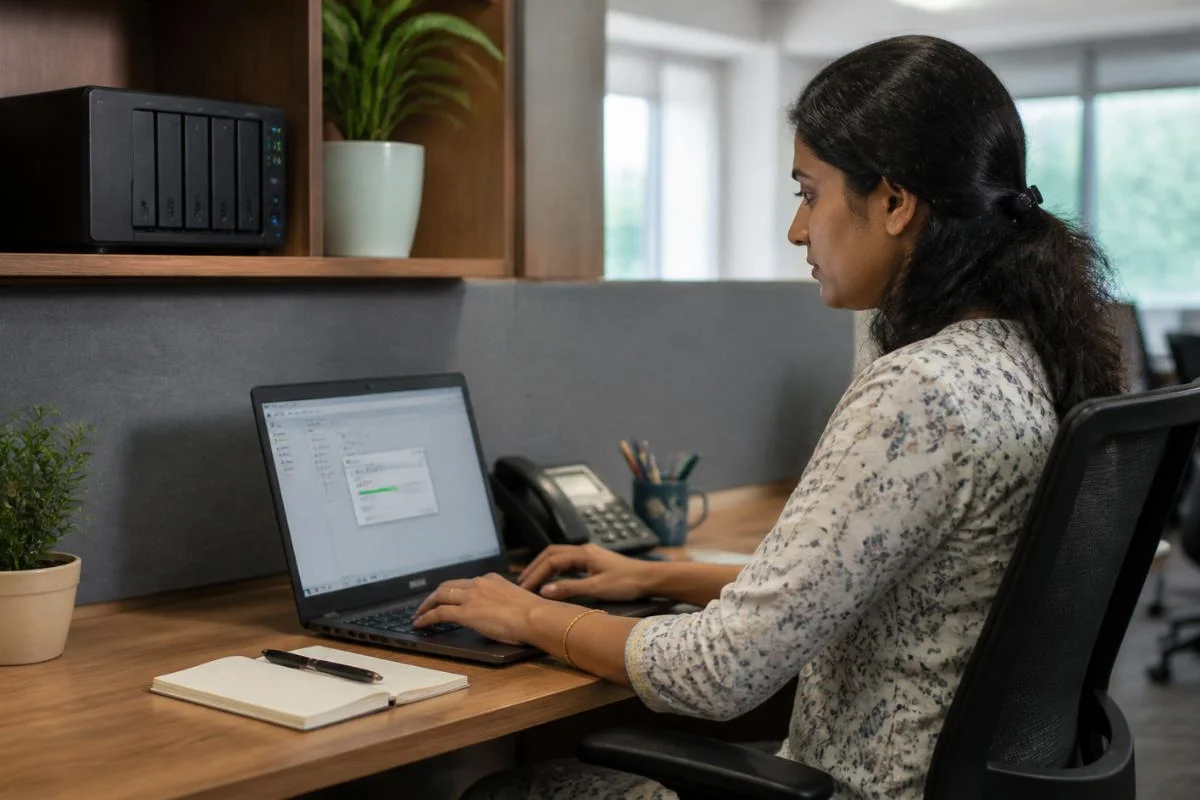
A NAS is a small storage computer with one or more hard drives that connects to your office network. Everyone on the network can reach shared folders on it, with access controlled by user accounts. Most NAS devices also offer backup tools, remote access, file versioning and apps for photos, CCTV recordings or document scanning.
2. When a small office needs one
- Several people work on the same files, such as accounts, designs or drawings
- Large files make cloud upload and download slow on your internet line
- You want a local copy of data in addition to cloud storage
- You need controlled access, so each department sees only its own folders
3. Choosing a NAS
- Drive bays: a two-bay unit allows mirroring; four or more bays give more capacity and better protection options
- Capacity: estimate current data, then allow room for growth over the next few years
- RAID level: RAID 1 mirrors two drives; RAID 5 or 6 spreads data across more drives so one or two can fail without data loss
- Drives: use drives rated for NAS use, which are designed to run continuously
- Network: a gigabit wired connection is the minimum; faster ports help with large media files
- Power protection: connect the NAS to a UPS so it shuts down safely during a power cut
4. Set it up safely
- Change the default admin account and use strong, unique passwords with two-factor sign-in
- Create user accounts and groups; give each group access only to the folders it needs
- Turn on file versioning or snapshots so deleted or encrypted files can be restored
- Keep the NAS firmware and apps updated
- Disable services you do not use, and avoid exposing the NAS directly to the internet; use a VPN for remote access
- Keep the NAS in a locked, ventilated place
5. A NAS is not a backup by itself
RAID protects against a drive failure, not against accidental deletion, theft, fire or ransomware. Follow the 3-2-1 approach: keep three copies of important data, on two different types of media, with one copy offsite or in the cloud. Our data backup and disaster recovery guide explains how to plan this, and the ransomware protection guide covers why offline copies matter.
6. Plan support and maintenance
Check drive health and backup reports regularly, test a restore every few months and replace drives that show warnings. If you do not have in-house IT staff, an IT support AMC can cover this. A well-planned office network also makes file access faster and more secure. For business-wide planning, see the business continuity planning guide from ATTPL Group.
Frequently asked questions
Is a NAS better than cloud storage?
They solve different problems. A NAS gives fast local access and full control; cloud storage gives offsite protection and access from anywhere. Many small offices use both, with the NAS backing up to the cloud.
Can CCTV recordings be stored on a NAS?
Many NAS devices support surveillance apps and cameras, but recordings use a lot of space, so plan separate capacity or use a dedicated recorder.
How many users can share a NAS?
That depends on the model’s processor, memory and network ports. Small office models usually handle a typical team comfortably; check the manufacturer’s specifications for your workload.
Need help choosing or setting up storage for your office? Contact ATTPL HOLDCO.
Sources
This article is general information, not professional advice. Product features vary by manufacturer; please check the vendor’s documentation.