UPS and Power Backup for Office IT: Sizing, Types and Maintenance
By ATTPL IT · · 2 min read
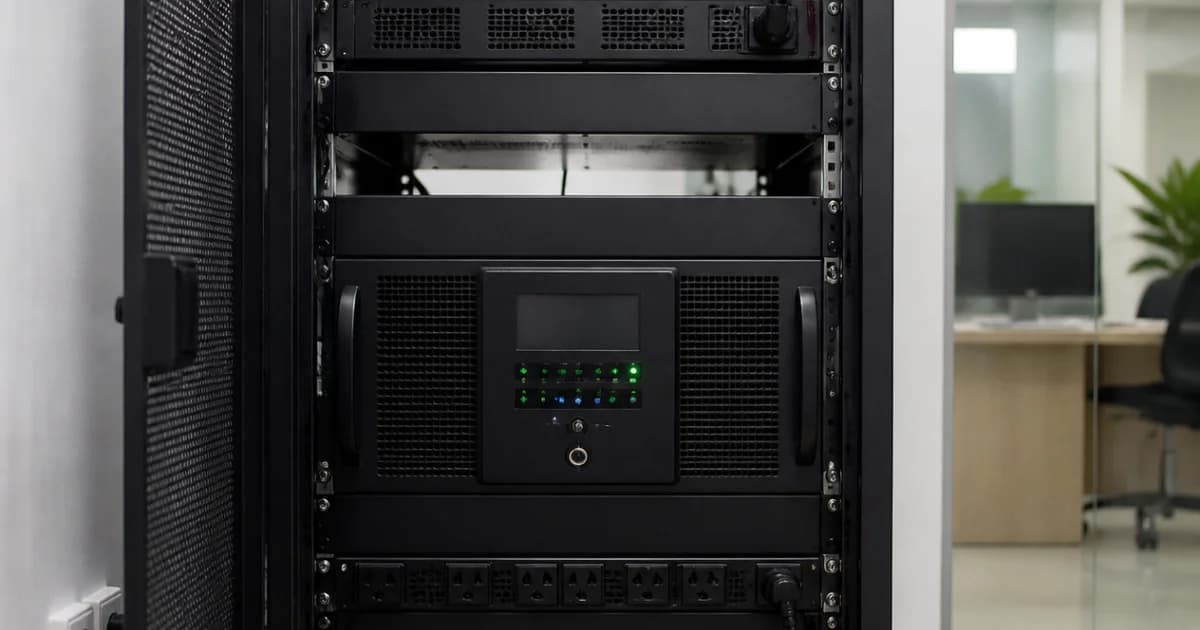
Power cuts and voltage fluctuations damage equipment, corrupt data and stop work. A properly sized uninterruptible power supply (UPS) keeps computers, servers and network devices running long enough to switch to a generator or shut down safely.
1. Types of UPS
- Offline or standby: basic protection for single desktops
- Line-interactive: better voltage regulation, common for small offices
- Online double-conversion: continuous clean power, preferred for servers and critical equipment
2. Sizing the UPS
Add up the load of the equipment to be protected, in watts, and choose a UPS with headroom above that figure. Then decide the backup time needed: a few minutes to start a generator, or longer to finish work. Backup time depends on battery capacity, not just the UPS rating. Plan for future equipment.
3. What to connect
Prioritise servers, storage such as a NAS, firewalls, switches, Wi-Fi access points and CCTV recorders. Laser printers and heaters should not be on a UPS. Network equipment on backup keeps office Wi-Fi and internet alive during short cuts.
4. Batteries and maintenance
- Keep the UPS in a ventilated, cool place
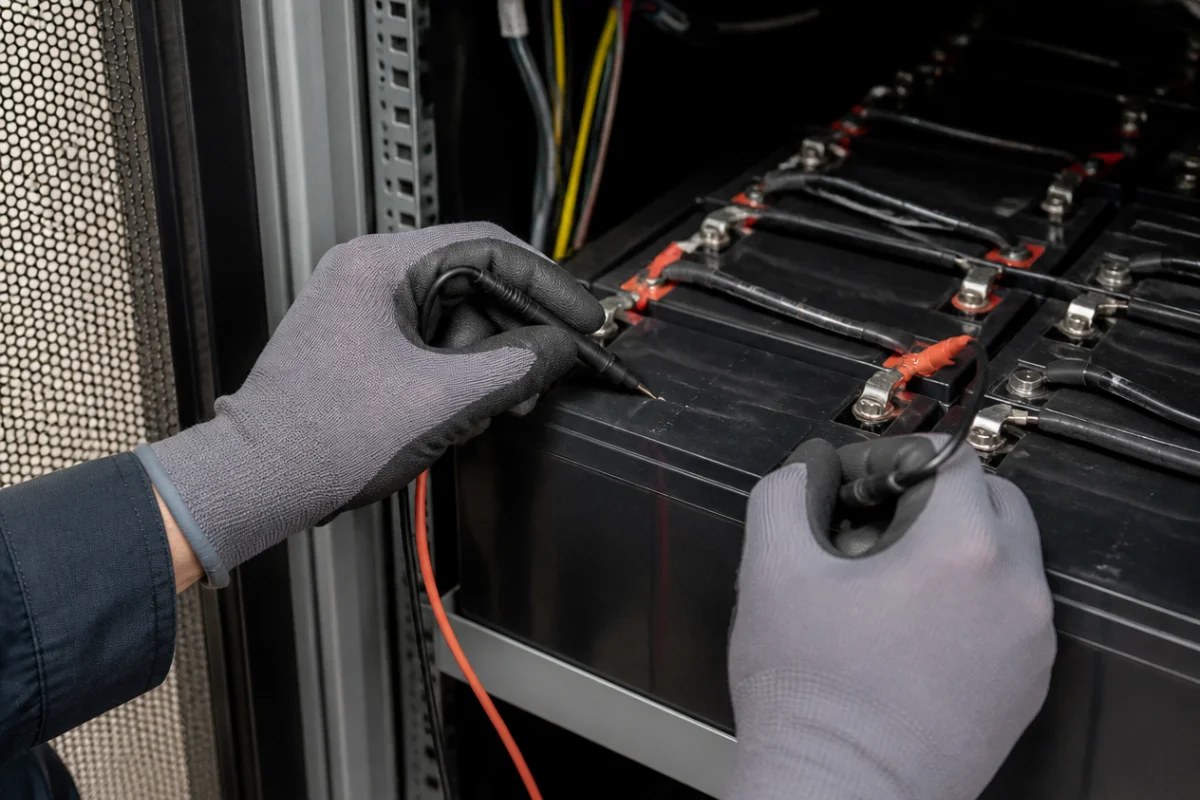
- Check battery health and run a test periodically
- Replace batteries according to the manufacturer’s guidance
- Use the UPS software to shut servers down safely when backup runs low
5. Common UPS mistakes
Many UPS failures are found only during a power cut, which is the worst time. These are the mistakes seen most often in offices:
- Overloading the UPS by plugging in printers, kettles or heaters
- Placing the UPS in a closed cupboard where batteries overheat
- Ignoring beeping alarms that warn of weak batteries
- No shutdown software, so servers crash when the battery runs out
- Buying a UPS sized for today with no room for new equipment
- No record of battery installation date and test results
A simple quarterly test, switching off mains supply under supervision and noting how long the UPS holds the load, shows whether backup time is still adequate. Note the result in the maintenance register so trends are visible.
6. Solar and generators
Many offices combine UPS with a diesel generator or a solar system with batteries. Solar options are explained in the on-grid, off-grid and hybrid solar guide. ATTPL IT Solutions can size and install UPS systems under an AMC. For a discussion about your requirement, contact ATTPL HOLDCO or call toll-free 1800-890-0815.
Frequently asked questions
How long should UPS backup last?
Long enough to start a generator or shut systems down safely; many offices plan 10 to 30 minutes for critical equipment.
Do servers need an online UPS?
Online UPS is generally recommended for servers because it provides continuous conditioned power.
How often are UPS batteries replaced?
It depends on battery type, temperature and use; follow the manufacturer’s guidance and test regularly.
Sources
This article is general information, not professional advice. Rules, rates and schemes change; please check the official sources and consult a qualified professional.