POS and Billing Software for Retail Shops and Restaurants: How to Choose
By ATTPL IT · · 2 min read
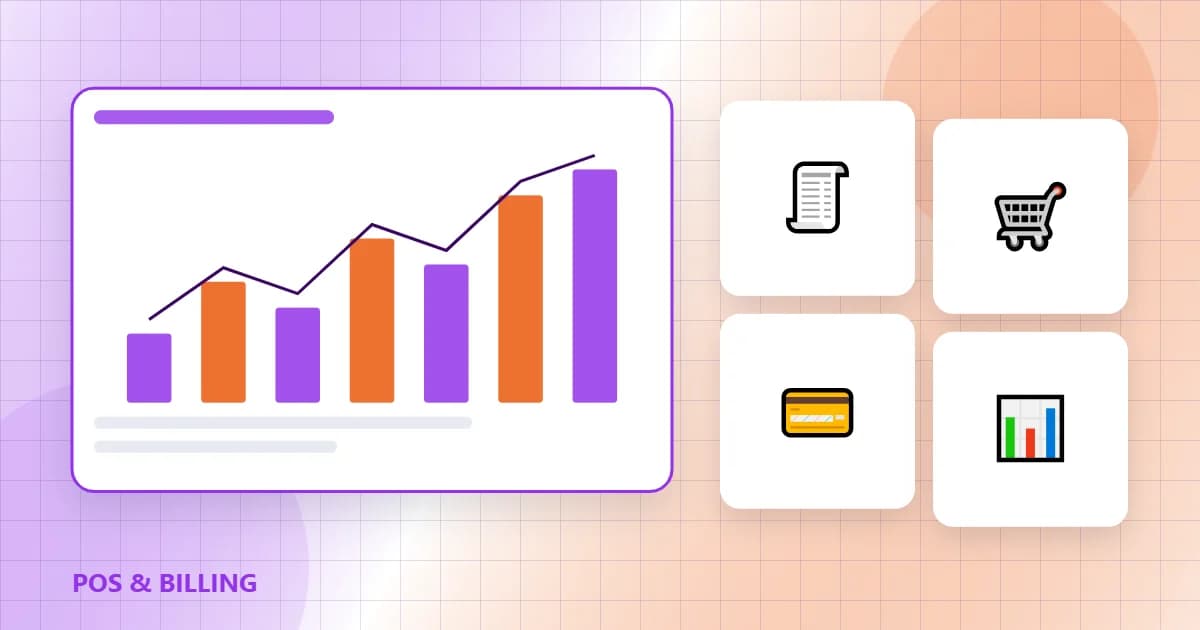
The billing counter is where a shop or restaurant earns its money, so the software running it matters. Good point-of-sale (POS) software speeds up billing, keeps stock accurate and produces the reports needed for GST and decisions. The wrong choice slows queues and creates reconciliation headaches.
1. Must-have features
- GST-compliant invoices with HSN/SAC codes and correct tax breakup
- Fast item search, barcode scanning and discounts with user permissions
- Inventory tracking with low-stock alerts and purchase entries
- Multiple payment modes including UPI and cards, with day-end cash reconciliation
- Offline billing that syncs when the internet returns
2. Retail vs restaurant needs
Retail shops need batch and expiry tracking, variants such as size and colour, and loyalty programmes. Restaurants need table management, kitchen order tickets, recipe-based stock deduction and integration with delivery platforms. Choose software built for your type of business rather than a generic tool.
3. Reports and compliance
Look for daily sales, item-wise margin, staff-wise sales and GST summaries that your accountant can use directly. If e-invoicing applies to your turnover, the software should support it. Customer data from loyalty programmes can feed a CRM such as ATTPL CRM for follow-ups.
4. Hardware, cloud and security
Plan the billing PC or tablet, thermal printer, barcode scanner and cash drawer together. Cloud POS gives multi-outlet visibility; make sure data is backed up and users have separate logins. Our password and MFA guide and cybersecurity checklist apply to POS systems too.
5. Implementation tips
Clean your item master before migration, train staff during a quiet period and run old and new systems in parallel for a few days. ATTPL IT Solutions helps select, customise and support billing systems. For a discussion about your requirement, contact ATTPL HOLDCO or call toll-free 1800-890-0815.
Frequently asked questions
Is cloud POS safe for a small shop?
Yes, if the provider encrypts data, offers backups and you use separate logins with strong passwords.
Can POS software work without internet?
Many do. Choose one with offline billing that syncs automatically later.
Does billing software need to support e-invoicing?
Only if your business crosses the turnover threshold notified under GST; check the current rule on the GST portal.
Sources
This article is general information, not professional advice. Rules, rates and schemes change; please check the official sources and consult a qualified professional.