IT Asset Management for SMEs: Track Laptops, Licences and Devices Without the Chaos
By ATTPL IT · · 2 min read
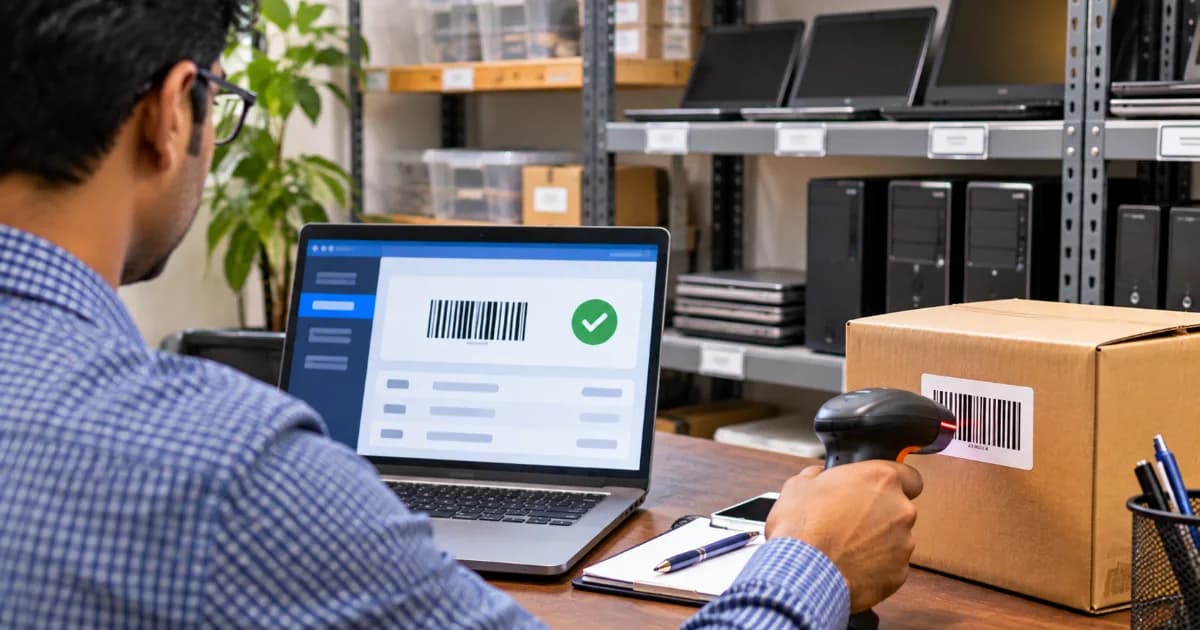
Most growing businesses cannot say exactly how many laptops they own, who has them, or which software licences are paid for. Lost devices, unpaid licences and ex-employees with company laptops are common results. IT asset management (ITAM) brings order with a few simple habits.
1. Build an asset register
- Asset ID, type, make and model, serial number.
- Purchase date, vendor, invoice and warranty end date.
- Assigned user, department and location.
- Status: in use, spare, under repair, retired.
A well-structured spreadsheet is enough to start; move to software when the count grows.
2. Tag every device
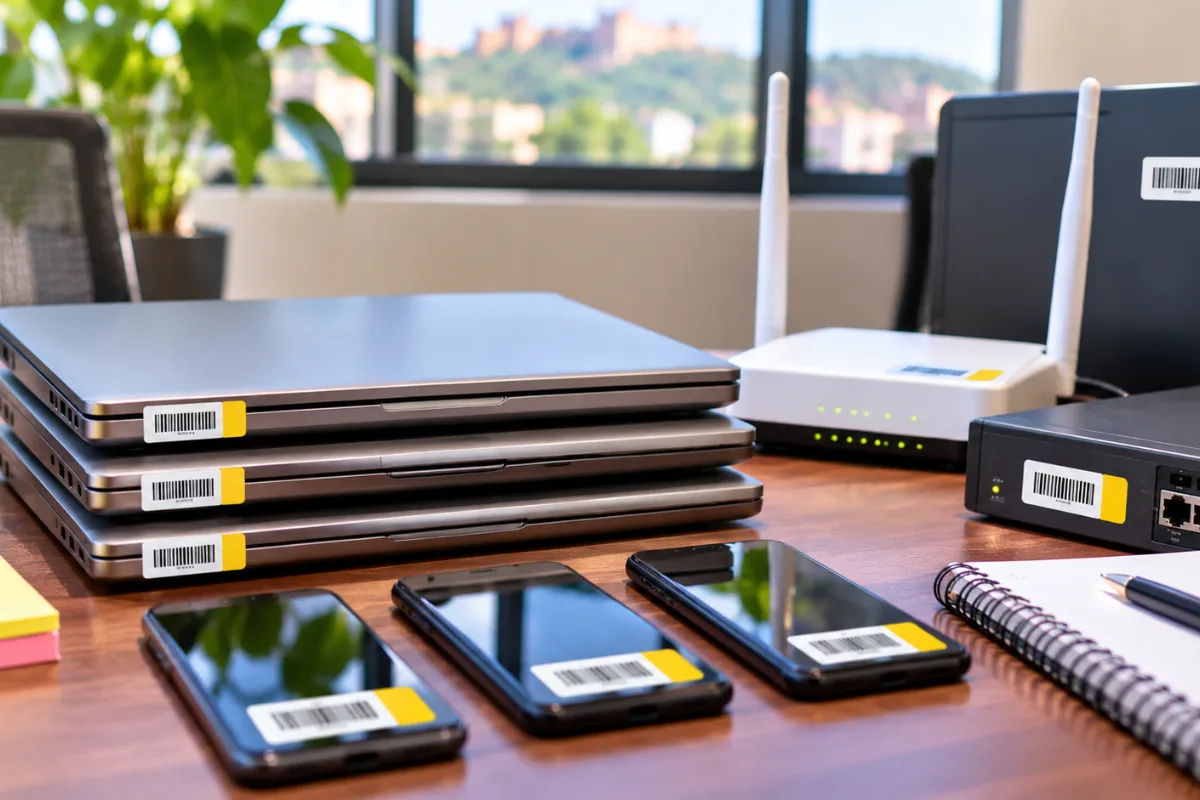
Put durable asset tags or barcode labels on laptops, desktops, printers, routers and phones. Record the tag in the register and check it during audits.
3. Manage the full lifecycle
- Procure: standard models make support easier.
- Issue: employee signs an acknowledgement at handover.
- Maintain: track repairs, updates and warranty claims.
- Recover: collect devices on exit — link this to the HR exit checklist.
- Retire: securely wipe data before disposal or resale and use authorised e-waste recyclers.
4. Track software licences too
List every subscription — email, office suites, accounting, design tools — with renewal dates and number of seats. Remove unused seats to save money and avoid compliance problems.
5. Security benefits
Knowing what you own is the foundation of security: you can ensure every device is updated, encrypted and covered by antivirus. Combine ITAM with a strong password and MFA policy and regular maintenance checklists. ATTPL IT can set up asset tracking, and employee handover records can be kept in ATTPL HRMS.
Frequently asked questions
What is IT asset management?
A process to track IT hardware and software from purchase to disposal, including who uses it and its status.
Is a spreadsheet enough for asset tracking?
For a small number of devices, yes. As the business grows, dedicated tools save time.
How should old laptops be disposed of?
Securely wipe all data and use authorised e-waste recyclers.
This article is general information. Security needs differ by business; get a professional assessment for your environment.