Endpoint Security for Small Businesses: Antivirus, EDR and Device Policies
By ATTPL IT · · 2 min read
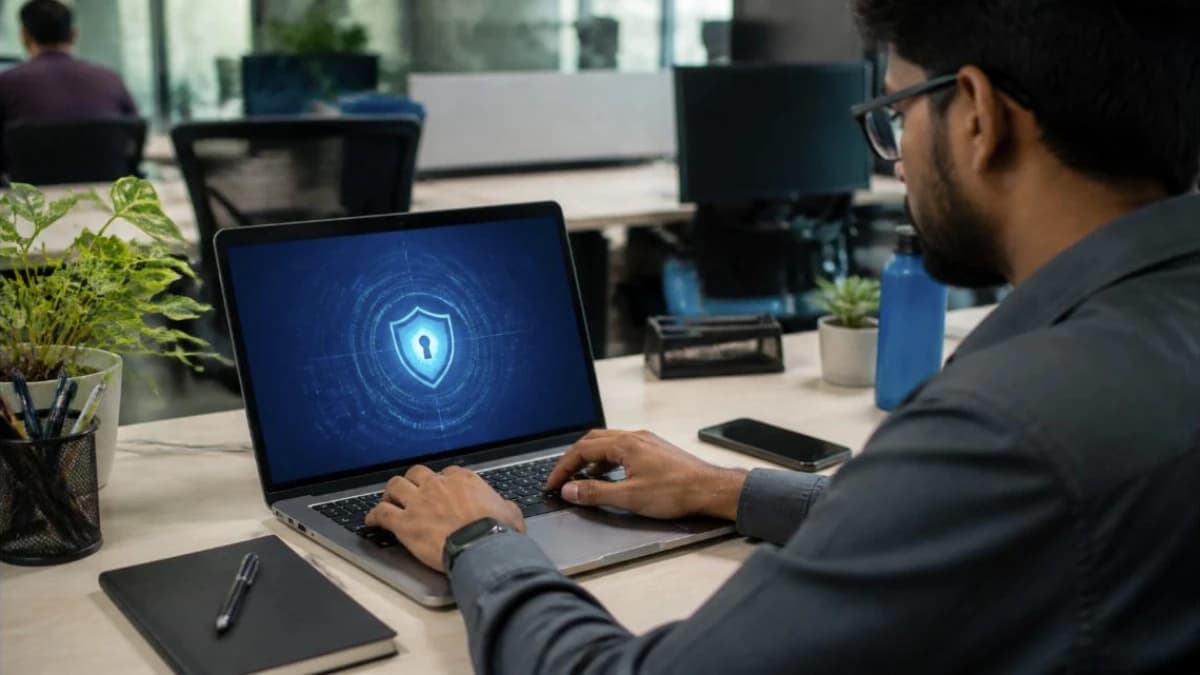
Most cyber attacks on small businesses start on a single laptop: a staff member opens a fake invoice, plugs in an infected pen drive or uses an old, unpatched system. Endpoint security means protecting every device that connects to your data, from desktops and laptops to phones used for work email.
1. Antivirus vs EDR
- Traditional antivirus blocks known malware using signatures and some behaviour checks. It is the minimum every device needs.
- EDR (endpoint detection and response) records activity on each device, spots suspicious behaviour such as mass file encryption, and lets an admin isolate a device and investigate. It is stronger against ransomware and new threats.
- Many business products now combine both and are managed from one cloud console.
2. Basics that matter as much as the tool
- Keep Windows, macOS, browsers and office software updated, with automatic patching where possible.
- Use standard user accounts for daily work; give admin rights only to IT.
- Turn on full-disk encryption (BitLocker or FileVault) on laptops.
- Use strong passwords with MFA on email and business apps.
- Block or control USB storage where it is not needed.

3. Central management
With more than a handful of devices, manage them from one console: see which device is unprotected or out of date, push policies, and get alerts. Keep an up-to-date device list as part of your IT asset register.
4. Simple rollout plan
- List every device that accesses company data, including personal phones used for email.
- Choose a business-grade endpoint product with a central console.
- Remove old or duplicate antivirus before installing the new agent.
- Apply a baseline policy: real-time protection, web filtering, automatic updates and tamper protection.
- Test alerts with the vendor’s safe test file and decide who responds to alerts.
- Review the dashboard weekly and fix unprotected devices.
Frequently asked questions
Is free antivirus enough for a business? Free consumer tools lack central management, reporting and support. A business product is worth it once you have staff and client data to protect.
Do Macs and phones need protection? Yes. They are targeted less often but still need updates, encryption, screen locks and, for phones, mobile device management for work data.
Talk to ATTPL IT Solutions
ATTPL IT Solutions helps offices set up secure networks, devices and support. Call toll-free 1800 890 0815 or visit it.attplai.com.