Structured Cabling for Offices: Planning a Reliable Network
By ATTPL IT · · 2 min read
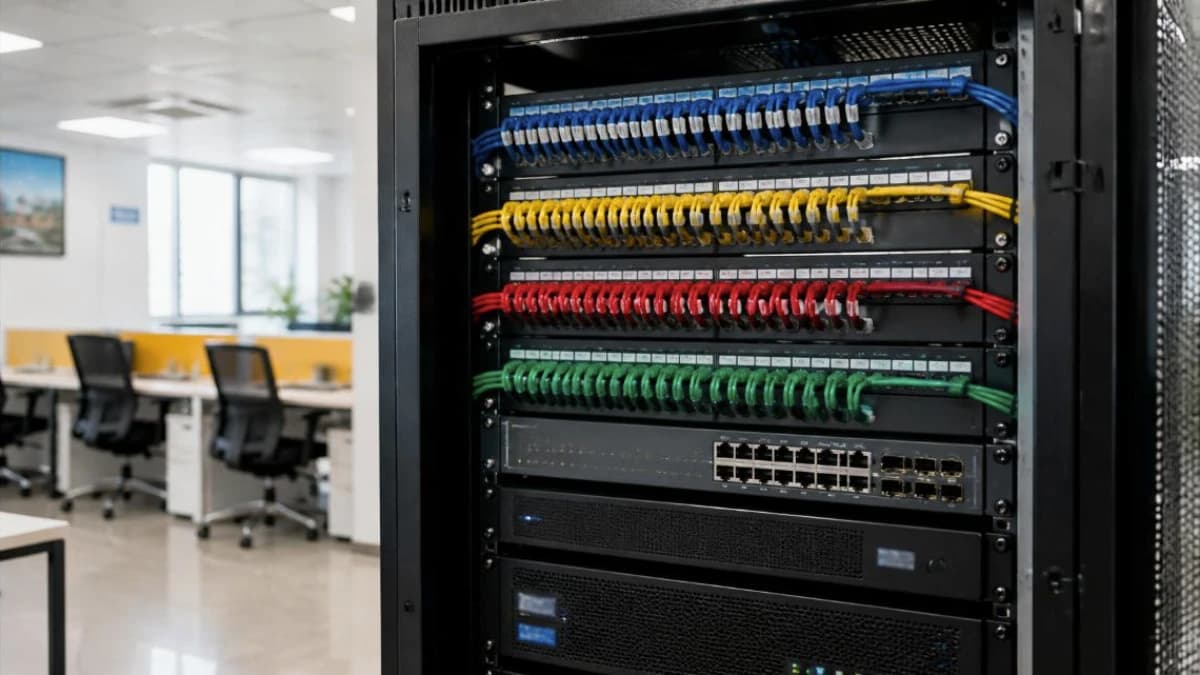
Wi-Fi gets the attention, but the cables in the walls decide how stable an office network really is. Desktops, IP phones, printers, CCTV cameras, biometric devices and the Wi-Fi access points themselves all depend on good wired cabling. Structured cabling means planning these cables as one organised system instead of adding random wires over time.
1. Choose the cable category
- Cat6 is the common choice for new offices and supports gigabit speeds comfortably.
- Cat6A supports 10 Gbps over full length and suits server rooms, high-density Wi-Fi access points and offices planning for the long term.
- Use solid copper cable from reputed makers. Copper-clad aluminium cable causes faults and is not suitable for PoE devices.
2. Respect the distance limits
Copper Ethernet channels are designed for up to 100 metres in total, normally about 90 metres of fixed cable from the patch panel to the wall jack plus short patch cords at both ends. Larger floors may need more than one rack. Use fibre between floors or buildings.
3. Rack, patch panel and pathways
- Terminate all cables on a patch panel in a rack, with a switch below and cable managers between them.
- Run cables in trays, conduits or raceways, separated from power cables.
- Keep spare points at each desk area and for future CCTV and access points.
- Place the rack in a ventilated, locked space with a UPS.
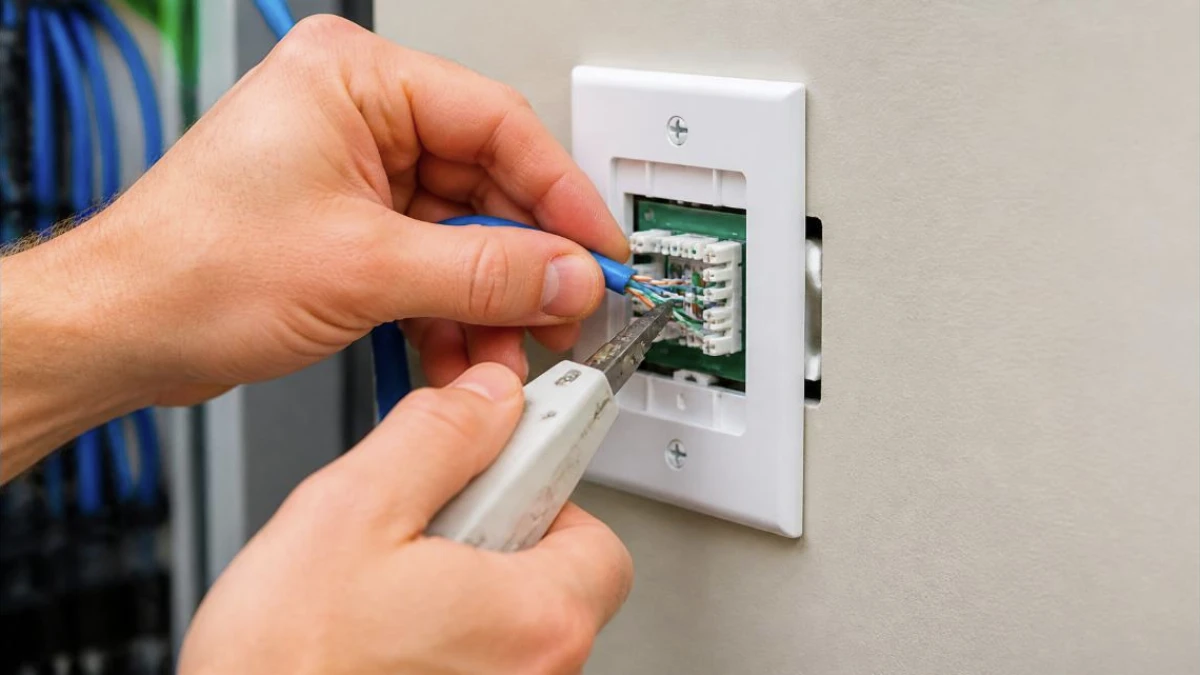
4. Label, test and document
- Give every point a unique label at both the wall jack and the patch panel.
- Test each link with a cable tester or, for larger jobs, a certification tester, and keep the reports.
- Record a floor plan showing every point, and update it when changes are made.
Good cabling is the base for office Wi-Fi, CCTV and secure firewall setups.
Frequently asked questions
Can I reuse old Cat5e cables? If they test well, they may still work for gigabit, but for a new fit-out Cat6 or Cat6A is a better long-term choice.
Why not go fully wireless? Wi-Fi is convenient, but fixed devices, access points and cameras work more reliably and securely on cable.
Talk to ATTPL IT Solutions
ATTPL IT Solutions helps offices set up secure networks, devices and support. Call toll-free 1800 890 0815 or visit it.attplai.com.