Office Printer Management: Choosing, Securing and Controlling Print Costs
By ATTPL IT · · 2 min read
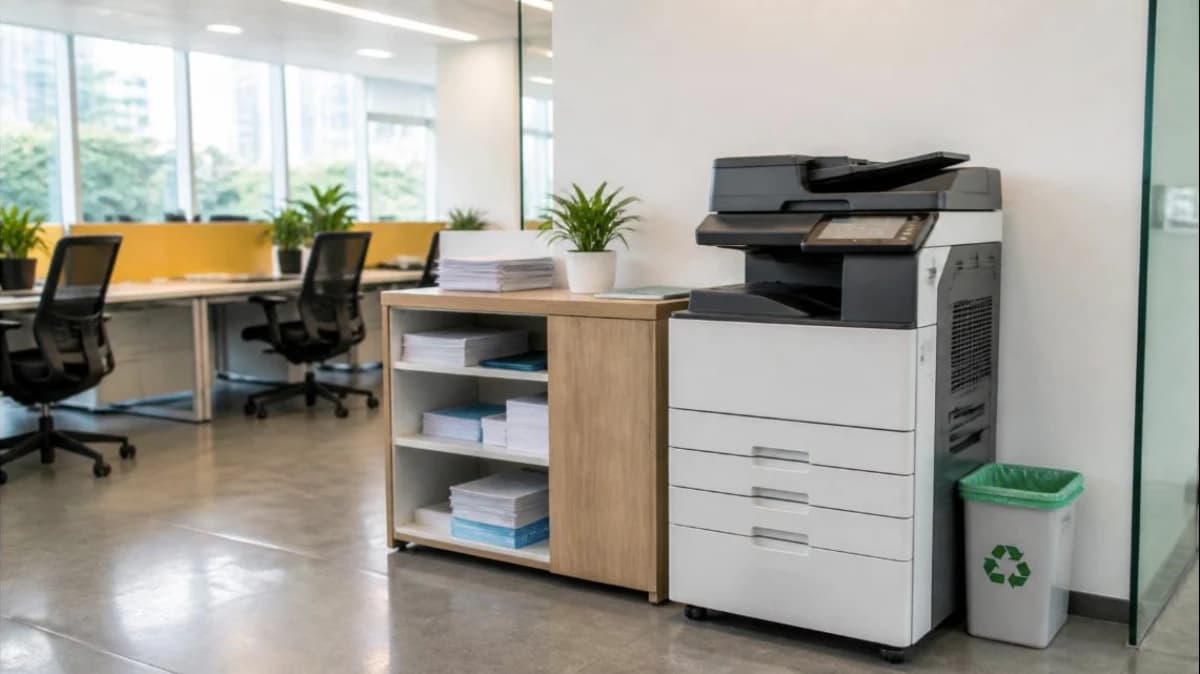
Printers are easy to forget until they jam before a deadline or a toner bill arrives. A little planning controls costs, reduces downtime and closes a security gap many offices overlook.
1. Choosing the right printer
- Volume: match the printer’s recommended monthly volume to your actual use.
- Function: print only, or print-scan-copy (multifunction).
- Colour or mono: many offices need colour only occasionally.
- Running cost: compare cost per page from toner or ink yield, not just the purchase price.
- Connectivity: network printing, duplex and scan-to-email.
2. Control print costs
- Set duplex and mono as the default.
- Use user codes or print release so jobs print only when the user is at the device.
- Track usage by department.
- Encourage digital workflows and e-signatures.
3. Secure network printers
A networked printer is a computer on your network. Change the default admin password, update firmware, disable unused services and keep it on a protected network segment. Scanned documents and print queues can contain sensitive data. These steps belong in your cybersecurity checklist.
4. Maintenance
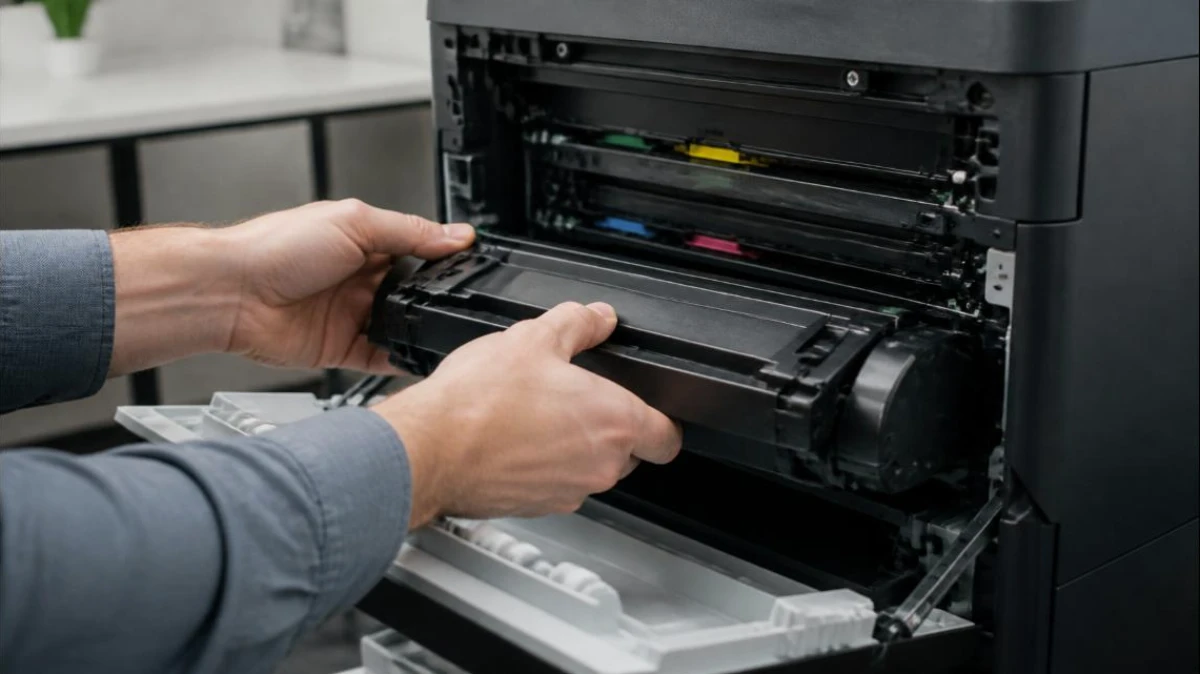
- Keep spare toner and a maintenance kit for heavy-use printers.
- Clean paper paths and rollers as per the maker’s schedule.
- Use good quality paper stored away from humidity.
- Log faults to spot printers that need replacement.
5. Managed print services
For offices with many devices, a managed print contract can bundle hardware, toner, service and usage reports for a per-page or monthly charge. Compare it with buying outright plus an IT support AMC. Protect network equipment with a suitable UPS; check the maker’s guidance before putting a laser printer on a UPS, because laser printers draw high power while warming up.
Frequently asked questions
Are compatible toners safe to use? Good quality compatibles can work, but check the printer warranty terms and test before bulk buying.
How often should printer firmware be updated? Check for updates every few months, or when the maker releases security fixes.
Talk to ATTPL IT Solutions
ATTPL IT Solutions helps offices set up secure networks, devices and support. Call toll-free 1800 890 0815 or visit it.attplai.com.