IT Onboarding and Offboarding Checklist for Employees
By ATTPL IT · · 2 min read
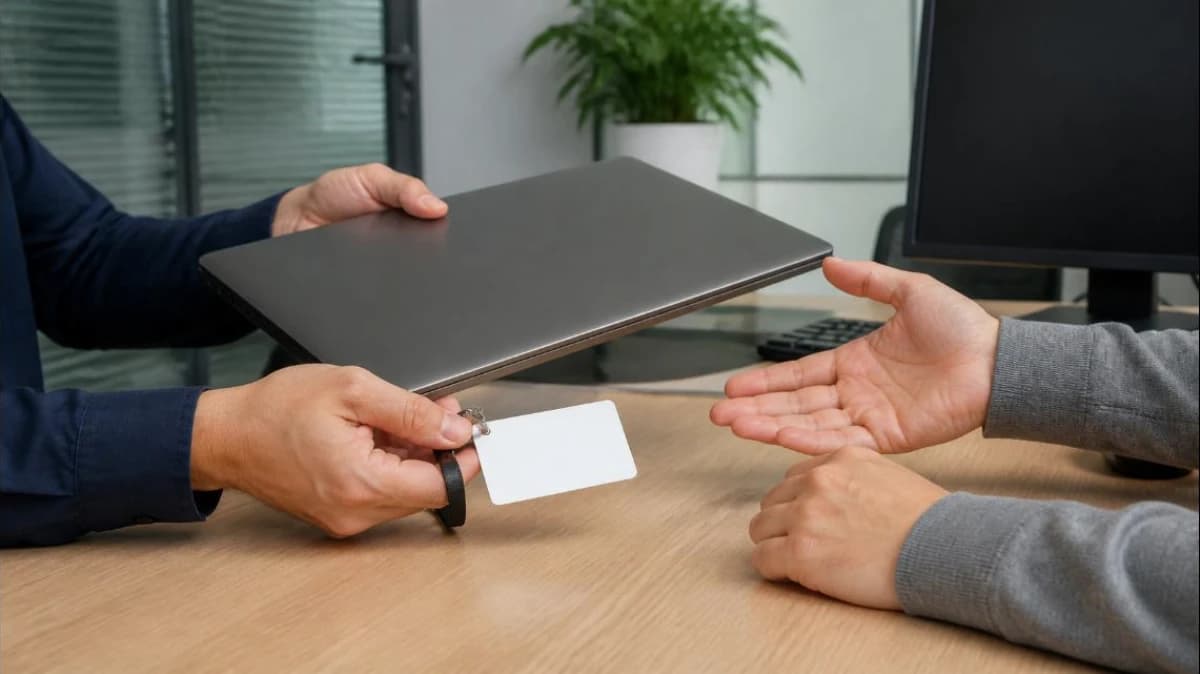
When a new employee joins, they need the right laptop, email and software on day one. When someone leaves, their access must close the same day. A simple, repeatable checklist shared by HR and IT keeps both moments smooth and secure.
1. Before day one
- HR shares the joining date, role and department with IT.
- Prepare the device: updated OS, antivirus, encryption, standard software. Our business laptop buying guide helps with selection.
- Create the email account and add it to the right groups.
- Record the asset against the employee in your IT asset register.
2. Day one
- Hand over the device and ID card with a signed acknowledgement.
- Set the password and enrol multi-factor authentication.
- Give access only to the shared folders and apps the role needs.
- Brief on the IT policy, password rules and how to report problems or phishing.

3. During employment
- Review access when people change roles.
- Keep a log of extra software or permissions granted.
4. Offboarding checklist
- HR informs IT of the last working day in advance.
- Arrange handover of files and email to the manager.
- On the last day, disable email, VPN, Wi-Fi and app accounts, and remove from groups.
- Collect the laptop, phone, ID card, keys and access cards; update the asset register.
- Back up and then securely wipe the device before reissue; see our backup guide.
- Change shared passwords the person knew.
5. Keep HR and IT in step
Keeping joining and exit steps in one shared system, with clear owners for HR and IT tasks, reduces missed steps. See ATTPL WorkforceOS HRMS for HR process management.
Frequently asked questions
Should accounts be deleted immediately? Disable access immediately; delete only after data is handed over and retention needs are met.
What about personal phones with office email? Remove the company account and, if you use device management, wipe only company data.
Talk to ATTPL IT Solutions
ATTPL IT Solutions helps offices set up secure networks, devices and support. Call toll-free 1800 890 0815 or visit it.attplai.com.