VPN and Secure Remote Access for Small Businesses: A Practical Guide
By ATTPL IT · · 2 min read
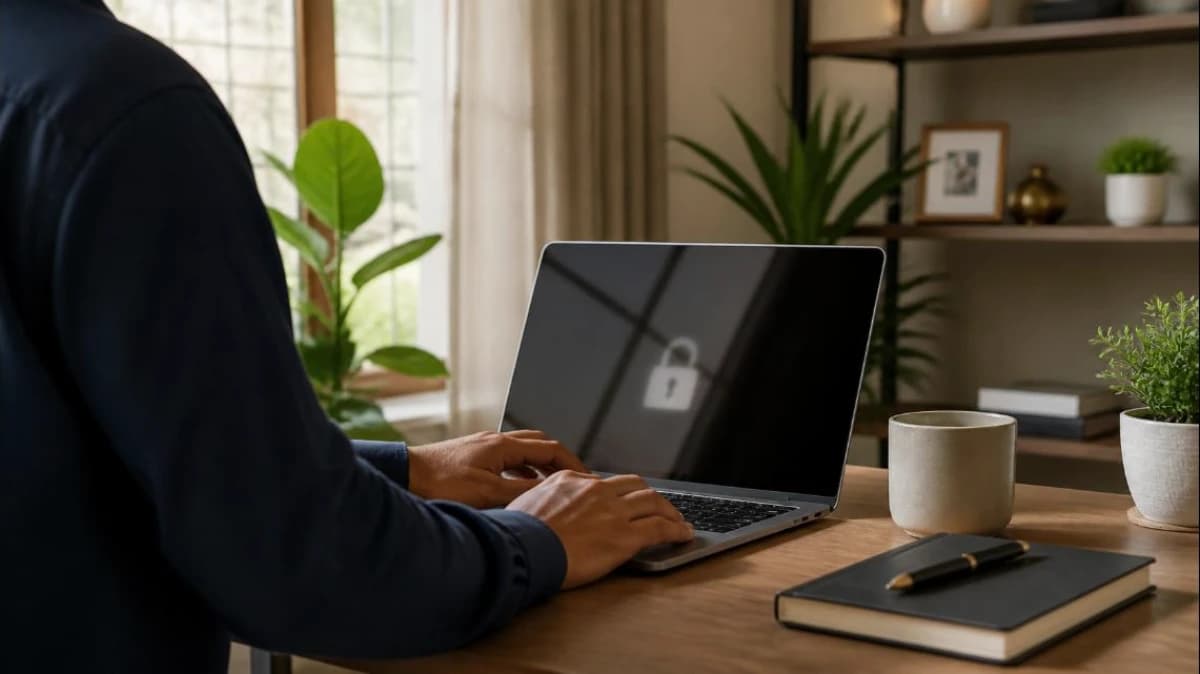
Staff now expect to reach office files, accounting software and internal apps from home or while travelling. Opening these directly to the internet is risky. A properly configured VPN (virtual private network) or secure remote access service creates an encrypted path into the office network for authorised users only.
1. Options for remote access
- Remote-access VPN: a client app on the laptop connects to the office firewall or VPN server. Common protocols include IPsec, SSL VPN and WireGuard.
- Site-to-site VPN: links two offices or a branch to head office permanently.
- Zero-trust or cloud access services: give access to specific apps instead of the whole network, often easier for small teams.
- Remote desktop gateways: safe only behind a VPN or gateway; never expose RDP directly to the internet.
2. Security essentials
- Multi-factor authentication for every remote login; see our password policy and MFA guide.
- Individual accounts for each user, never shared logins.
- Firmware and VPN software kept up to date.
- Access limited to what each role needs.
3. Device rules
- Company laptops with updated OS, antivirus and disk encryption.
- Personal devices allowed only with clear rules, or through browser-based access.
- Automatic screen lock and no saved passwords on shared home computers.
4. Rollout checklist
- List the apps and data staff need remotely.
- Choose the access method and confirm your firewall supports it; our firewall guide helps.
- Set up MFA and test with a pilot group.
- Write a one-page remote work policy.
- Train staff to spot phishing; see phishing awareness.
- Review logs and remove access promptly when someone leaves.
Frequently asked questions
Is a free consumer VPN app enough? No. Consumer VPNs hide your browsing; they do not give secure access to your office network.
Does a VPN slow the connection? Slightly, depending on the office internet speed and device. Size the office connection for remote users.
Talk to ATTPL IT Solutions
ATTPL IT Solutions helps offices set up secure networks, devices and support. Call toll-free 1800 890 0815 or visit it.attplai.com.